Welcome to Pictorus!
1.
Getting Started with Pictorus
❱
1.1.
Interface Tour
2.
Getting Started with Devices
3.
Concepts
❱
3.1.
Blocks and Components
3.2.
Inputs and Outputs
3.3.
Computation
3.4.
Simulation vs Production Code
3.5.
True and False in a Floating Point World
3.6.
Vector math
3.7.
Custom Variables
3.8.
State Machines
3.9.
Conditional Execution
3.10.
Component Execution Methods
3.11.
Working with Bytes and Strings
3.12.
Commenting out Code
3.13.
Block Execution Order, Feedback Loops, and Statefulness
3.14.
Light Controller Example
4.
Tips and Tricks
5.
Debugging Guide
6.
Block Reference
❱
6.1.
Abs Block
6.2.
ADC Block
6.3.
Aggregate Block
6.4.
App Time Block
6.5.
Arg Min Max Block
6.6.
Bias Block
6.7.
Bit Shift Block
6.8.
Bitwise Operator Block
6.9.
Bytes Join Block
6.10.
Bytes Literal Block
6.11.
Bytes Split Block
6.12.
Bytes Pack Block
6.13.
Bytes Unpack Block
6.14.
CAN Receive Block
6.15.
CAN Transmit Block
6.16.
Change Detection Block
6.17.
Clamp Block
6.18.
Comment Block
6.19.
Compare To Value Block
6.20.
Comparison Block
6.21.
Component Input Block
6.22.
Component Output Block
6.23.
Constant Block
6.24.
Counter Block
6.25.
Cross Product Block
6.26.
DAC Block
6.27.
Data Read Block
6.28.
Data Write Block
6.29.
Deadband Block
6.30.
Delay Block
6.31.
Delay Control Block
6.32.
Derivative Block
6.33.
Determinant Block
6.34.
Dot Product Block
6.35.
Equation Block
6.36.
Exponent Block
6.37.
Fast Fourier Transform Block
6.38.
FMU Block
6.39.
Frequency Filter Block
6.40.
Gain Block
6.41.
Gpio Input Block
6.42.
Gpio Output Block
6.43.
Histogram Plot Block
6.44.
I2c Input Block
6.45.
I2c Output Block
6.46.
IIR Filter Block
6.47.
Integral Block
6.48.
Inspect Block
6.49.
Json Load Block
6.50.
Json Dump Block
6.51.
Logical Block
6.52.
Lookup 1d Block
6.53.
Lookup 2d Block
6.54.
Matrix Inverse Block
6.55.
Min Max Block
6.56.
Not Block
6.57.
Pid Block
6.58.
Plot Block
6.59.
Product Block
6.60.
Pwm Block
6.61.
Quantize Block
6.62.
Ramp Block
6.63.
Random Number Block
6.64.
Rate Limit Block
6.65.
Rust Code Block
6.66.
Sawtoothwave Block
6.67.
Scatter Plot Block
6.68.
Serial Receive Block
6.69.
Serial Transmit Block
6.70.
Sinewave Block
6.71.
Sliding Window Block
6.72.
SPI Receive Block
6.73.
SPI Transmit Block
6.74.
Square Wave Block
6.75.
State Transition Block
6.76.
String Format Block
6.77.
Sum Block
6.78.
Switch Block
6.79.
System Time Block
6.80.
Timer Block
6.81.
Transfer Function Block
6.82.
Transpose Block
6.83.
Trianglewave Block
6.84.
Trigonometry Block
6.85.
Udp Receive Block
6.86.
Udp Transmit Block
6.87.
uORB Input Block
6.88.
uORB Output Block
6.89.
Vector Index Block
6.90.
Vector Merge Block
6.91.
Vector Norm Block
6.92.
Vector Reshape Block
6.93.
Vector Slice Block
6.94.
Vector Sort Block
7.
Features
❱
7.1.
Exporting Applications
7.2.
Custom Scripts
7.3.
Custom Blocks
7.4.
Source Control
7.5.
Adding Static Assets
7.6.
Interfacing with Existing Code
7.7.
Working with Teams
7.8.
Working with the API
7.9.
PX4 Integration
8.
FAQs
9.
Legal
❱
9.1.
Terms of Use
9.2.
Privacy Policy
Light
Rust
Coal
Navy
Ayu
Pictorus Documentation
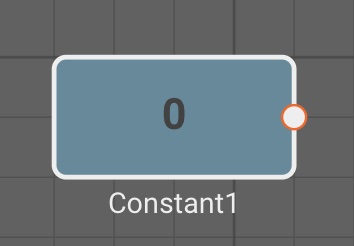
Constant Block
The
Constant
block emits a fixed numeric
Value
specified in its parameters.
Parameters
Value
(default = 0): Numeric value to emit each time step.
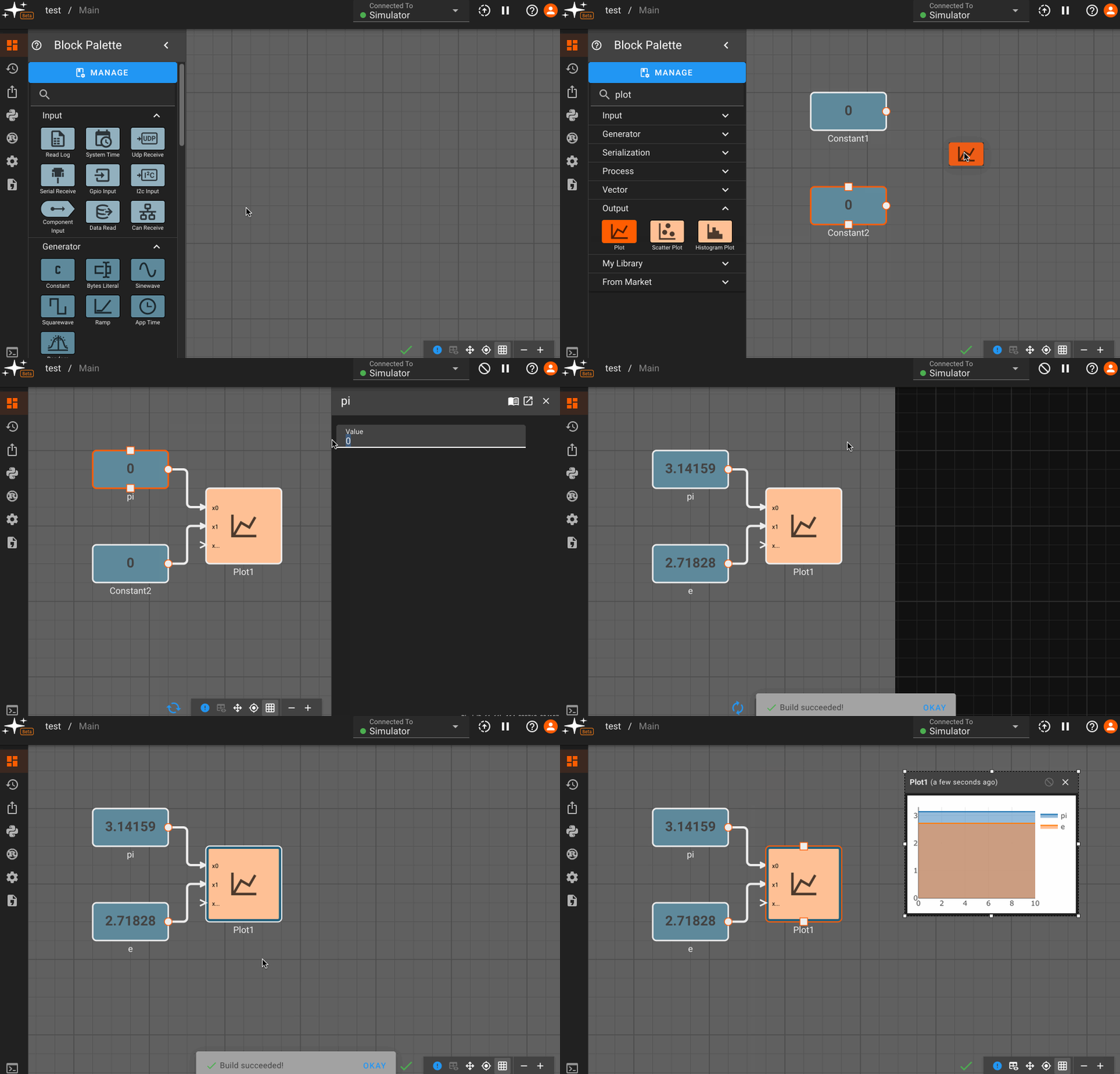
Examples