Static Assets
The Static Assets feature, accessed via the file icon in the left panel menu, currently supports file uploads for CAN message encoding and decoding, as well as FMUs for co-simulation.
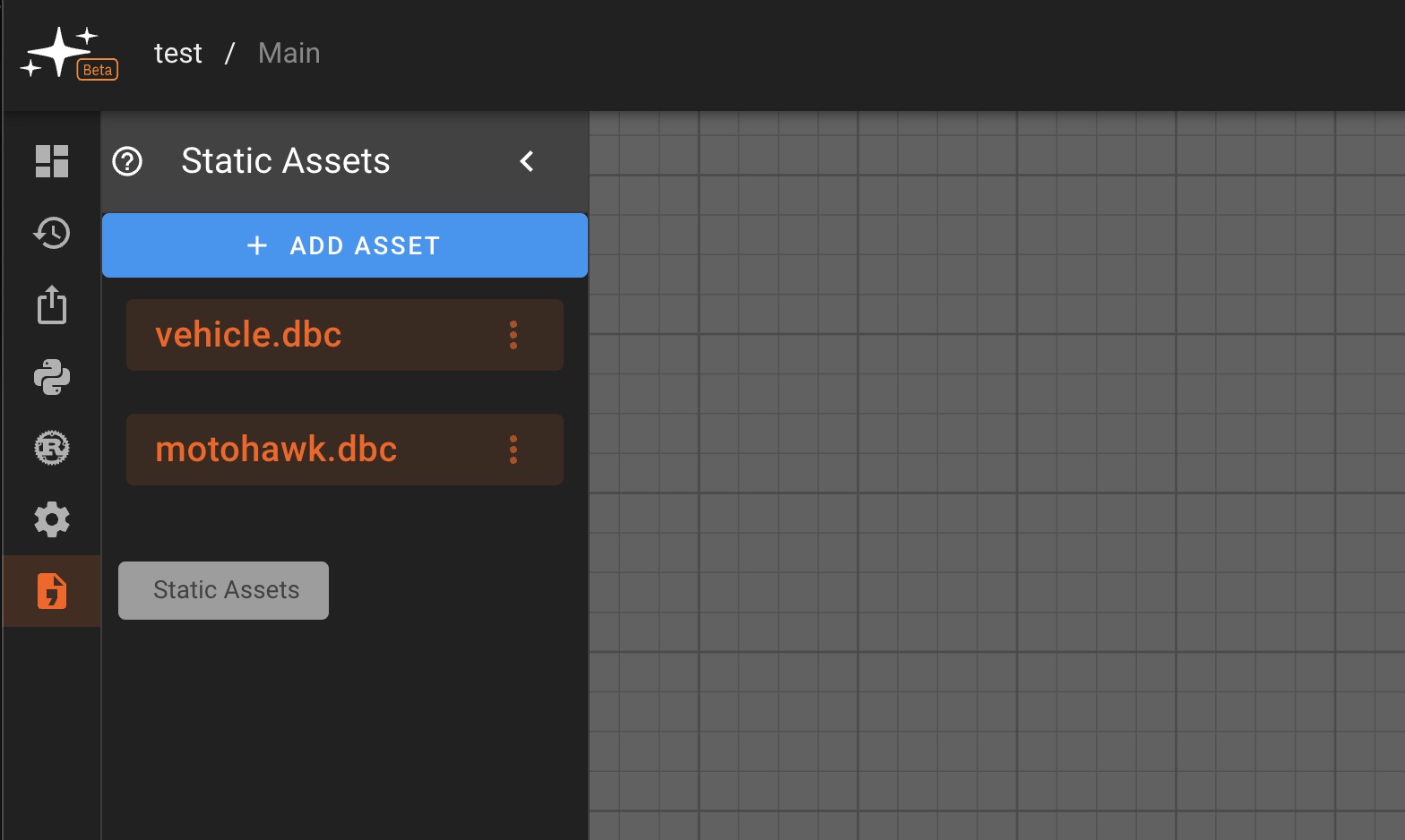
CAN DBC Files
To use CAN transmit and receive functionalities in Pictorus, a known CAN message format must be specified. This can be done by uploading a DBC file to the Static Assets associated with your app.
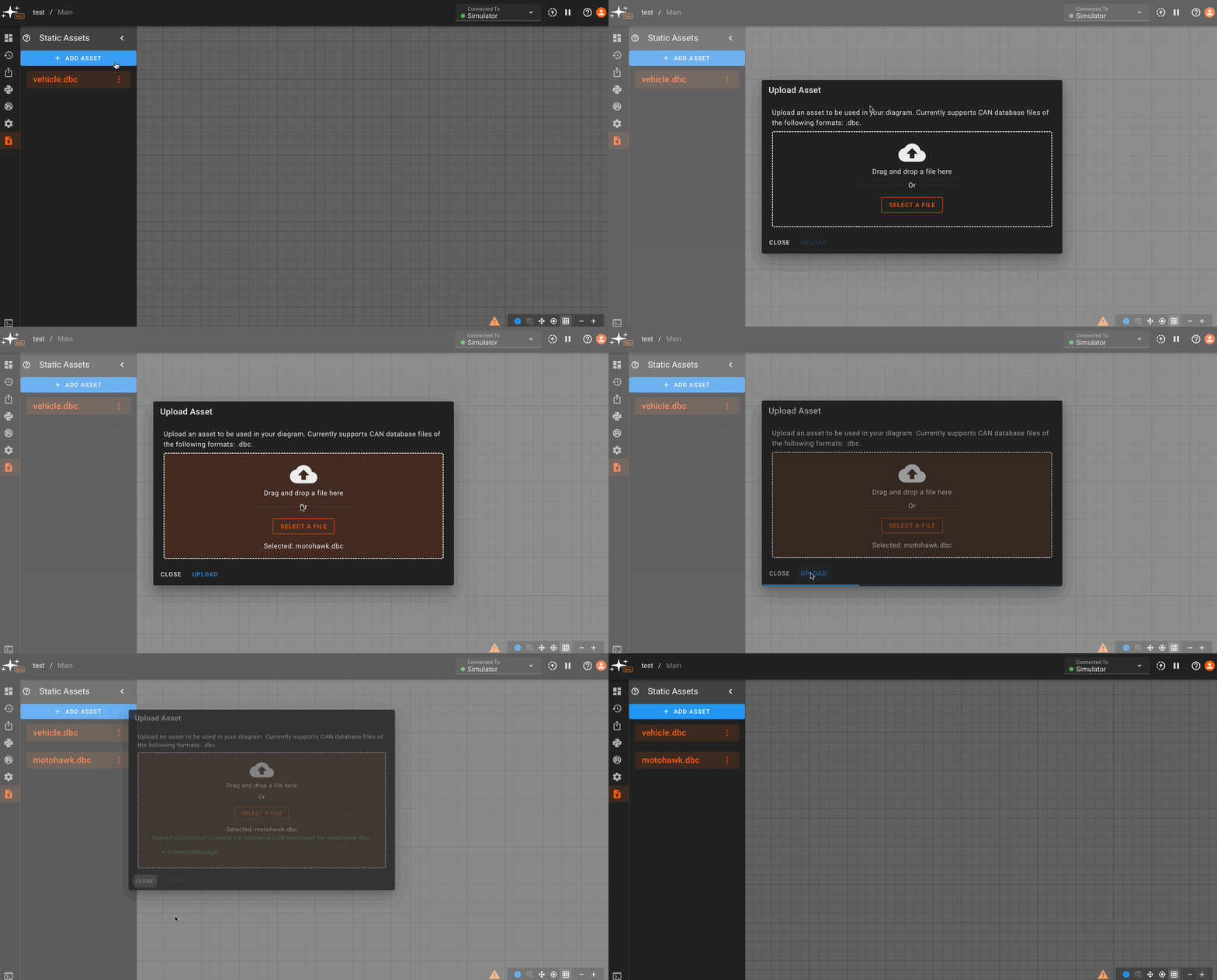
Multiple DBCs can be uploaded to a single app, and their message formats can all be accessed within the app's scope via CAN Transmit or CAN Receive blocks. To use the same DBC in a different app, the file must be uploaded to that app's Static Assets.
FMU Files
To use an FMU model for co-simulation in Pictorus, an FMU file must be uploaded to the Static Assets associated with your app. Multiple FMUs can be uploaded to a single app, and their models can be accessed within the app's scope via the FMU block. To use the same FMU in a different app, the file must be uploaded to that app's Static Assets.
FMU Requirements
We currently only support FMU 2.0 for Co-Simulation. Uploaded FMUs must include a pre-compiled static library for linux-x86_64 (i.e. the linux64 FMI target). The FMU MUST be statically linked as the simulation runs in a sandboxed environment which may not contain all the shared libraries required for dynamic linking.
Common Issues
Missing Dependencies
If the simulation with the FMU block compiles but fails to run, check the error message for possible missing shared libraries, for example:
[ERROR] - Failed to load and instantiate FMU: FmuLoad(DLOpen(DlOpen { desc: "/tmp/<some_runner_ID>/binaries/linux64/<your_fmu_dynamically_linked_dependency>.so: cannot open shared object file: No such file or directory" }))
or the error contains a message about undefined symbols, usually in the form of:
/mnt/pictorus/output/build/fmu_dynamic_test: symbol lookup error: /tmp/<some_runner_ID>/binaries/linux64/<your_fmu_library>.so: undefined symbol: exp
This likely indicates that the FMU was compiled with dynamic linking. Check the compile settings to ensure all libraries are statically linked, then build and upload the new FMU to Pictorus. Also check the compiled FMU library suffix, if it ends in .so it is a shared (dynamic) library, while a library that ends in .a is a static library.